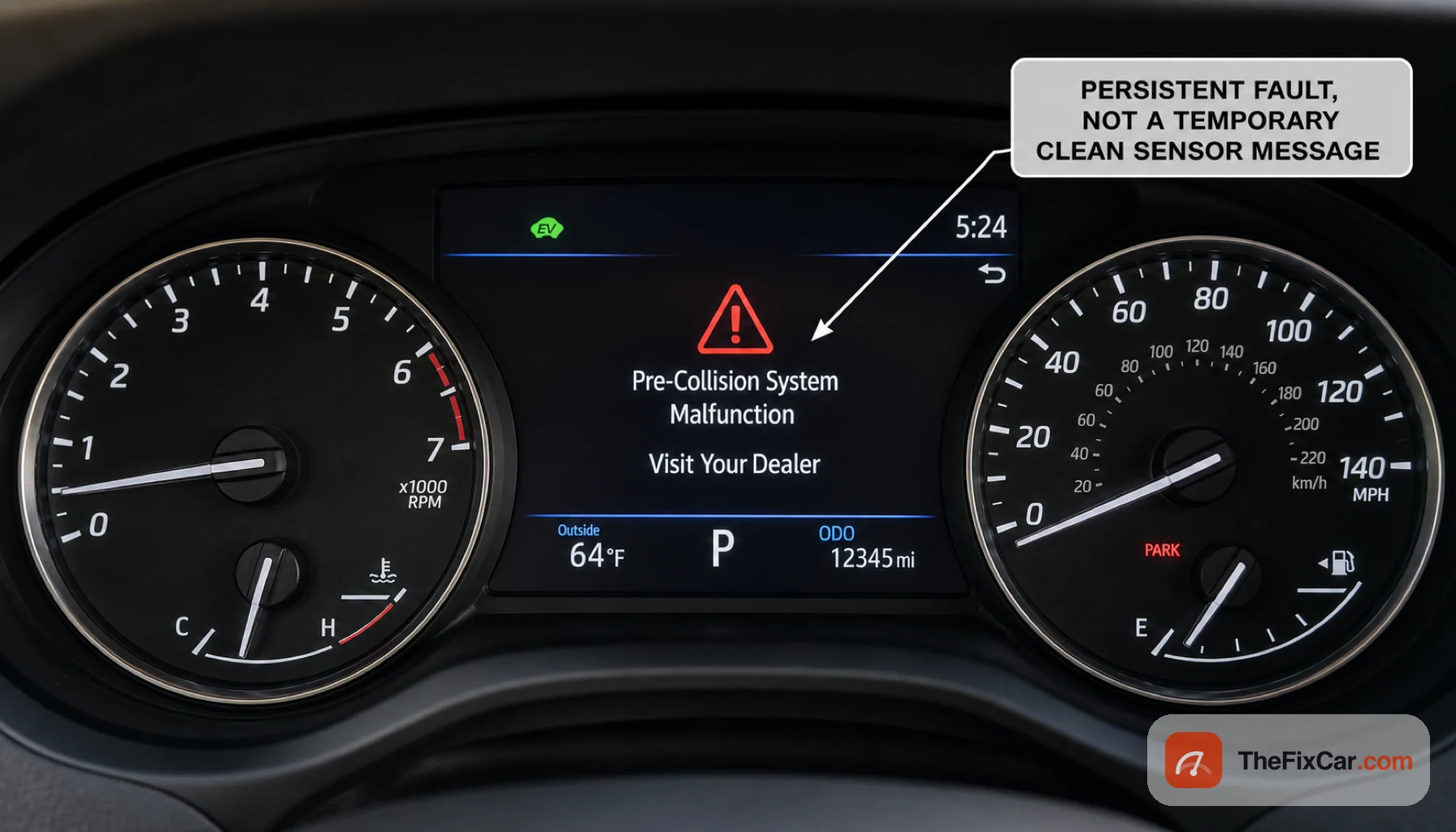
A red triangle and the message “Pre-Collision System Malfunction,” often paired with “Visit Your Dealer,” lights up on a Toyota or Lexus dash and, unlike the temporary “Unavailable” or “Clean Sensor” warning, this one tends to stay on. It commonly shows up on a cold morning, after a jump start, or as the car gets older. The timing matters: warnings that begin after a cold start or jump-start justify testing the 12-volt battery before replacing pre-collision components.
Quick answer
On Toyota and Lexus, a weak or low 12-volt battery is one possible trigger, especially when the warning begins after a cold start or jump-start: a voltage dip can make the safety system flag a fault even when the sensors are fine. A blocked or out-of-calibration front radar or camera can do the same. Basic steering and driver-operated braking may remain available when this is the only warning, but automatic emergency braking and some cruise-control functions may be disabled until it clears. If charging or replacing the battery, or a code-based diagnosis, does not fix it, the system needs a scan, often at a dealer.
Malfunction vs Unavailable: which message is it?
| Message | Usually means | First step |
|---|---|---|
| Pre-Collision System Unavailable / Clean Sensor | Sensor view is blocked or weather-limited | Clean the radar and camera areas |
| Pre-Collision System Malfunction / Visit Your Dealer | Stored or persistent fault: voltage, calibration, wiring, or sensor | Scan codes and check the 12V battery |
Most common causes
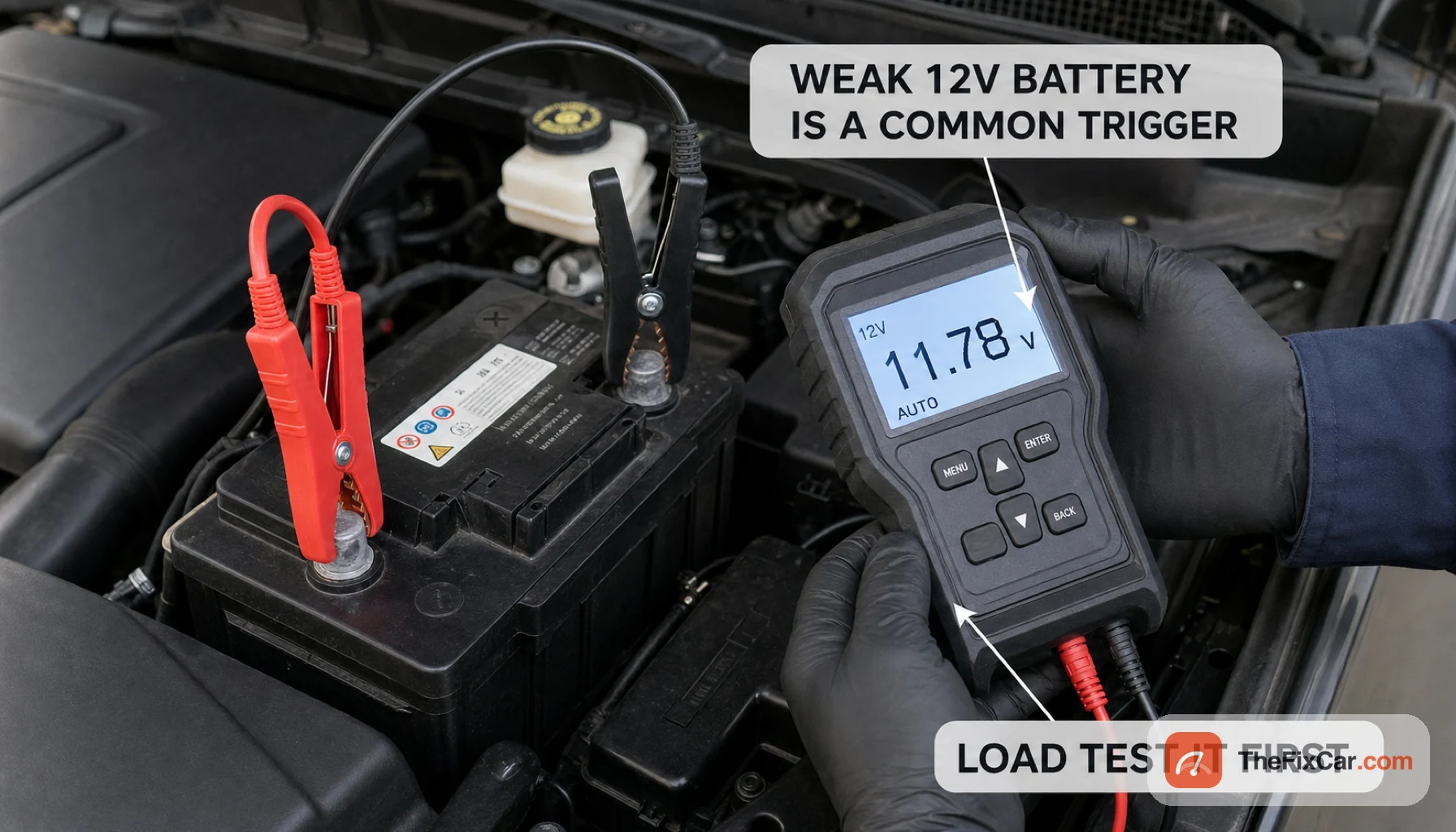
- Weak or low 12-volt battery: low voltage can trigger multiple warning messages, particularly after a cold start or jump-start; confirm battery condition and stored codes before blaming the sensors.
- Blocked front sensor: dirt, snow, ice, or condensation on the front radar, whose location varies by model, or the camera near the rearview mirror, escalated from an “Unavailable” message.
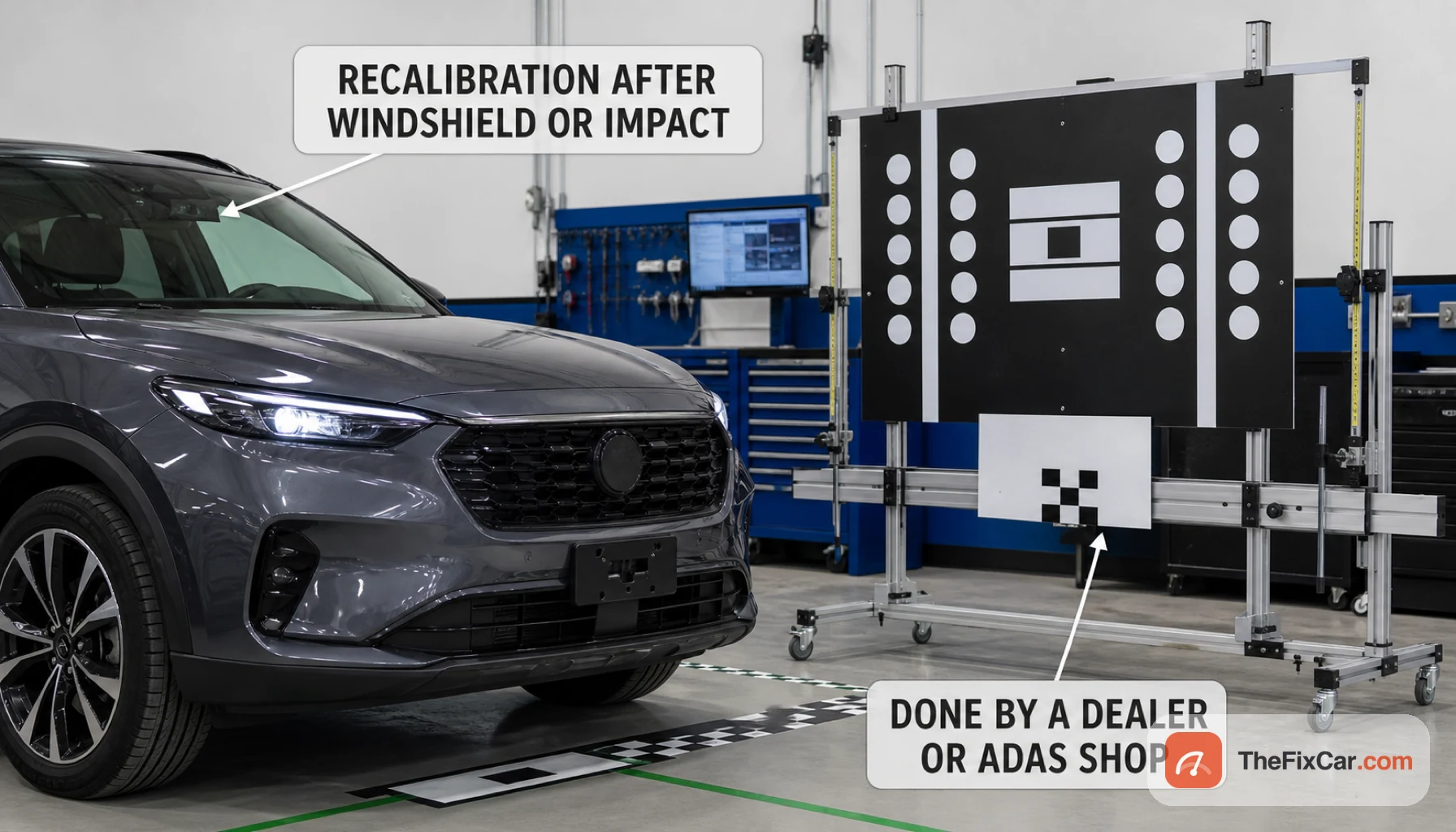
- Calibration fault: the camera or radar reads as out of alignment after windshield or camera work, radar or grille removal, suspension or ride-height changes, or a front-end impact; model-specific procedures determine whether calibration is required.
- Software glitch: a temporary fault that clears with a drive cycle or reset, sometimes addressed by a dealer software update.
- Blown fuse or wiring fault: a loose connector or failed circuit to the sensor keeps the system offline.
- Failed radar or camera: less common, but a faulty sensor keeps the message on even after cleaning and a good battery.
What to check first
- Note when it appeared. After a cold night, a jump start, or alongside a battery warning points to the 12-volt battery, so have it load tested.
- Clean the front emblem and lower grille where the radar sits, and the windshield in front of the camera near the mirror, to rule out a simple blockage.
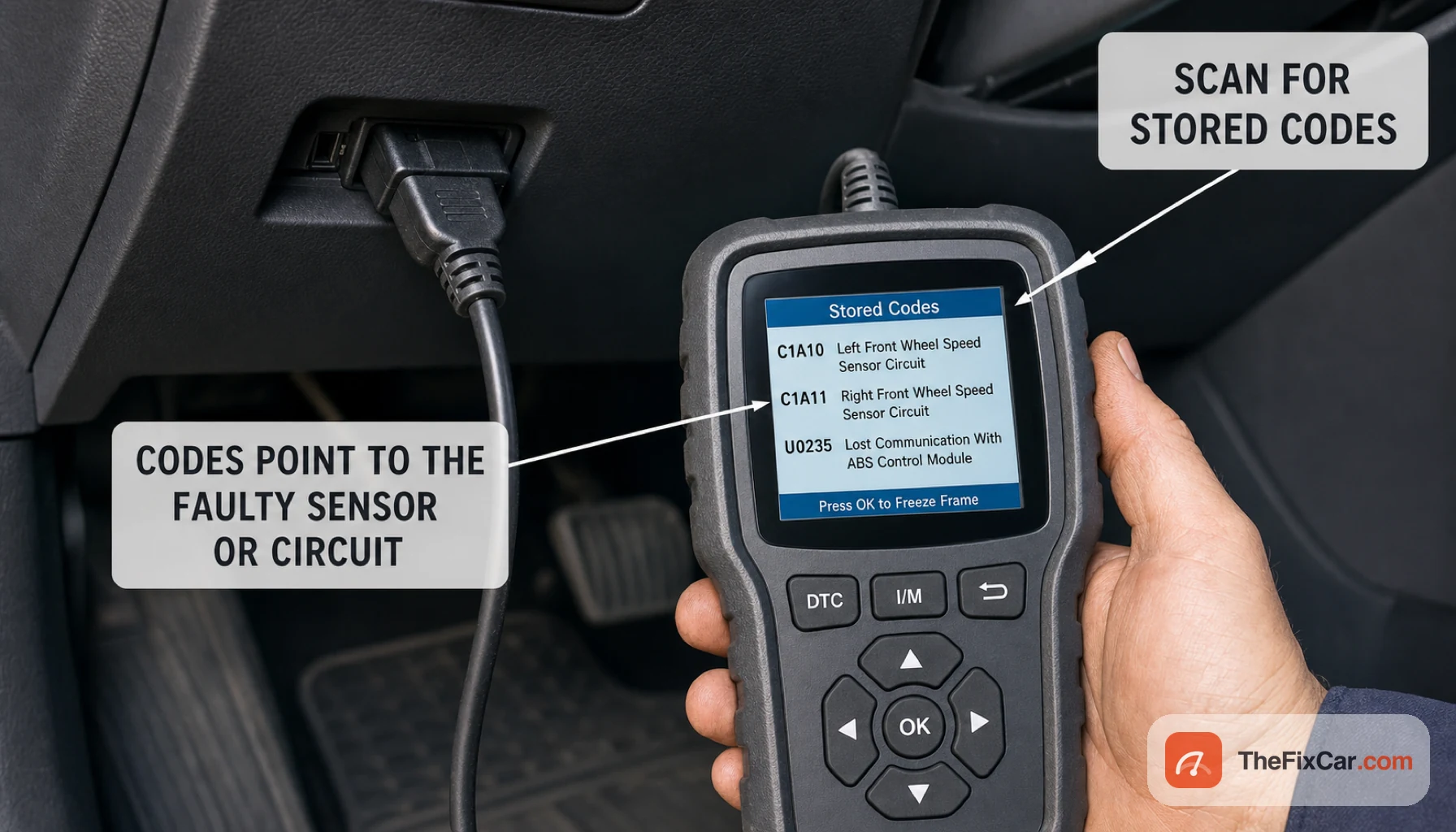
- Scan for stored trouble codes with a Toyota-capable tool; the codes point to which sensor or circuit is involved.
- Read and record any trouble codes before clearing anything. A normal drive cycle can clear a one-time glitch, but recalibration may still be needed. Do not disconnect the battery solely as a reset unless the model’s service information permits it and you understand the required initialization steps.
- Check recent history. A windshield replacement, alignment, or minor collision usually means the system needs recalibration.
- If the message returns in clean, dry conditions with a healthy battery, have it diagnosed by a dealer or a qualified ADAS shop.
Is it safe to drive?
Usually, if this is the only warning and the car steers and brakes normally. The pre-collision braking and adaptive cruise will not act while the message is up, so increase your following distance, stay ready to brake yourself, and do not keep driving if braking feels abnormal, the system brakes on its own, or other critical warnings appear. Get it diagnosed soon so you are not relying on a safety system that is offline.
When the problem is urgent
- The car brakes hard on its own for no reason, which is a false activation and a reason to stop using the system and have it checked.
- A battery or charging warning shows at the same time, which suggests the 12-volt battery or alternator is failing.
- Several driver-assist or dash warnings appear together, pointing to a wider electrical fault.
- The message comes right back after a reset in clear weather with a good battery, which indicates a persistent fault that may involve power supply, wiring, network communication, software, calibration, or a sensor.
- It appears after a front-end collision, so the system needs recalibration before you rely on it.
Typical repair cost
These are broad U.S. estimates before tax; model, sensor type, local labor rates, and any required calibration can change the total substantially. These ranges are planning estimates as of June 2026; request an itemized quote showing diagnosis, parts, static or dynamic calibration, and post-repair verification separately.
- 12-volt battery test: often free at a parts store or shop.
- Battery replacement: commonly $150 to $350 for a quality battery, fitted.
- Diagnostic scan: commonly $50 to $150 to read codes and identify the next steps.
- Camera or radar recalibration: typically $150 to $400, often needed after a windshield or alignment change.
- Radar or camera replacement: often $500 to $1,500 or more with parts, labor, and calibration.
Can a weak battery cause Pre-Collision System Malfunction?
A weak 12-volt battery is one of the easiest causes to rule out first, especially if the warning appeared after a cold start, jump-start, or alongside multiple dash warnings. The radar, camera, and braking modules need steady voltage; an aging 12-volt battery or a cold-start dip can drop below what they expect, so the system flags a fault to stay safe. If testing confirms low voltage, charging or replacing the battery may resolve voltage-related warnings; persistent warnings still require code-based diagnosis.
Can I reset the Pre-Collision System Malfunction myself?
A normal drive cycle may clear a temporary glitch. Avoid disconnecting the 12V battery just to reset the warning unless the owner’s manual or service procedure allows it, because stored codes and initialization data may be lost. If the warning returns, the system needs a proper scan and likely a recalibration rather than another reset.
What does “Visit Your Dealer” add to the message?
It means the system logged a fault it could not clear on its own, so it wants the car scanned. It does not always mean a sensor failed; a weak battery, a calibration that drifted, or a software issue can all set it. A scan reads the stored codes and tells the technician whether it is electrical, calibration, or a failed part.
Toyota and Lexus models this affects
This warning is commonly searched on Toyota RAV4, Camry, Corolla, Highlander, Tacoma, Prius, and Sienna, and on Lexus RX, NX, ES, and IS models. Sensor location and the calibration procedure vary by year and Toyota Safety Sense generation, so always confirm the radar and camera location in the owner’s manual.